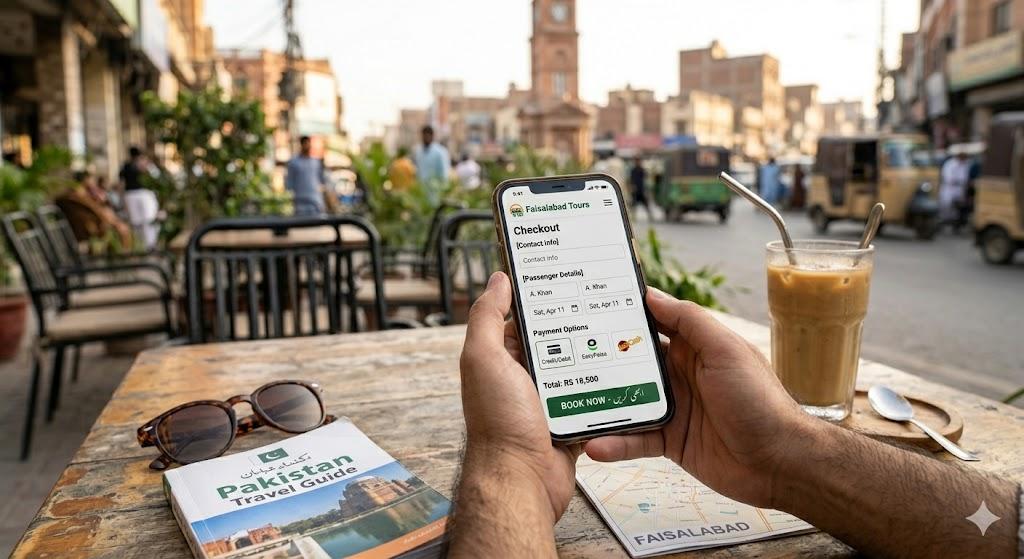
Quick answer (April 2026): 60–70% of tour bookings die at checkout. The 7 highest-impact fixes: (1) show total price upfront (kills "surprise fee" abandons, +12% conversion), (2) enable guest checkout (no signup wall, +23%), (3) add Apple/Google Pay (+10–15% mobile), (4) place review snippets next to the pay button (+12–18%), (5) mobile checkout polish (44px touch targets), (6) abandoned booking emails (recover 8–15%), (7) trust badges near payment. Most operators see 2–3× conversion lift in 30 days.
Between 60-70% of travelers who start a tour booking process abandon it before paying. That means for every 10 people who click "Book Now" on your tour page, only 3-4 complete the purchase. The other 6-7 leave money on the table, often due to fixable UX friction in your checkout flow. Research from Baymard Institute shows that cart abandonment rates average 70% across e-commerce, with checkout friction being the primary cause. These seven fixes address the most common issues.
Fix 1: Show the Total Price Before Checkout
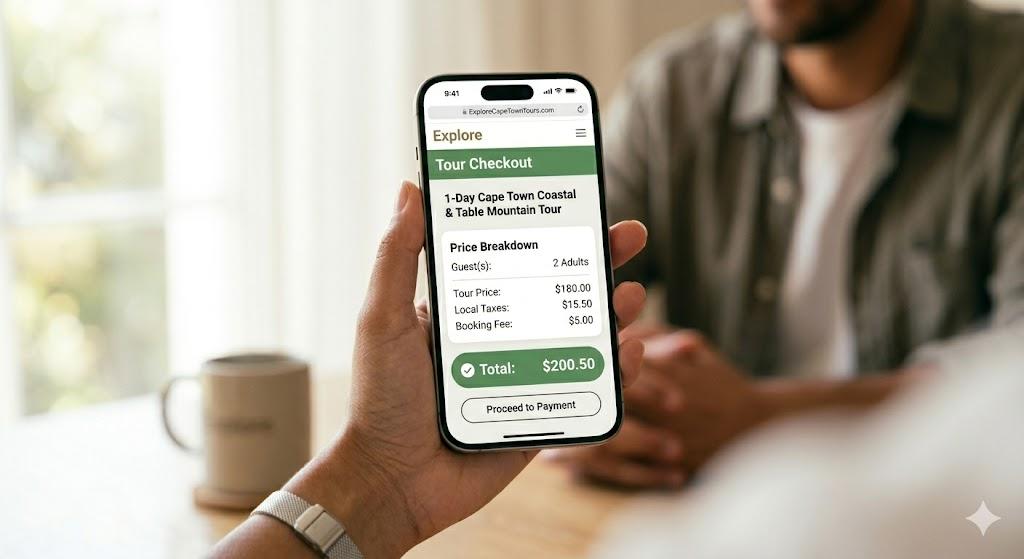
The number one reason travelers abandon tour bookings is unexpected costs appearing during checkout. They see "$89 per person" on your tour page, start booking for two people, and then discover a $15 booking fee, $10 equipment surcharge, and 12% tax, bringing the total to $223 instead of the expected $178.
The fix: Display the full per-person price including all fees on your tour listing page. If your base price is $89 but the all-in cost is $112 per person with fees and taxes, show $112. Alternatively, show a price breakdown calculator that updates dynamically as guests select options. As discussed in our guide to tour pricing psychology, transparent pricing is a key conversion driver. Booking widgets from Rezdy and FareHarbor both support showing taxes and fees before the checkout step.
Operators who implement transparent pricing consistently report 15-25% reductions in checkout abandonment.
Fix 2: Reduce Form Fields to the Minimum
Many tour checkout forms ask for information that isn't needed to complete a booking: home address, phone number, emergency contacts, dietary restrictions, hotel name, flight number, and a "how did you hear about us" dropdown.
The fix: Only require what's absolutely necessary for the initial booking: name, email, number of guests, and payment. Move everything else to a post-booking confirmation email or a pre-trip questionnaire sent 24-48 hours before the tour.
Each additional form field reduces completion rates by 2-5%. A checkout form with 15 fields converts roughly 25-40% worse than one with 5 fields. Collect supplementary information after the payment is secured.
Fix 3: Make Mobile Checkout Actually Work
Over 60% of tour research and a growing share of bookings happen on mobile devices. Yet most tour operator checkout flows are designed for desktop and merely squeezed onto mobile screens.
Common mobile checkout problems:
Date pickers that are too small to tap accurately. Calendar widgets designed for mouse clicks become frustrating finger targets on a phone screen. Use a mobile-native date picker that fills the screen width.
Payment forms where the keyboard covers the input field. When a guest taps the credit card field, the phone keyboard slides up and obscures the field they're typing in. Ensure your checkout scrolls properly to keep the active field visible.
A multi-step checkout that forces page reloads between steps. Each page load on mobile takes 2-5 seconds, and each reload risks the guest losing their session. Use a single-page checkout or a multi-step flow that transitions without full page reloads.
The fix: Test your entire booking flow on an actual phone, not a browser's mobile simulator. Book your own tour on your phone. Monitor your page speed with Google's Web Vitals to ensure your checkout loads quickly on mobile. If anything frustrates you, it's costing you bookings.
Fix 4: Offer Multiple Payment Methods
Credit card is not the only way travelers want to pay, especially international guests. European travelers often prefer bank transfers or local payment methods. Younger travelers may prefer Apple Pay or Google Pay for speed.
The fix: At minimum, offer credit/debit card plus PayPal. If your audience skews international, add Stripe (which supports local payment methods in 40+ countries), Apple Pay, and Google Pay. Apple Pay and Google Pay reduce checkout time to under 10 seconds on mobile, which significantly reduces abandonment.
For high-ticket tours ($200+ per person), offering payment plans through Klarna or Afterpay can increase conversions by 20-30%. A $400 tour that costs "$100 in 4 payments" feels more accessible.
Fix 5: Display Trust Signals at the Payment Step
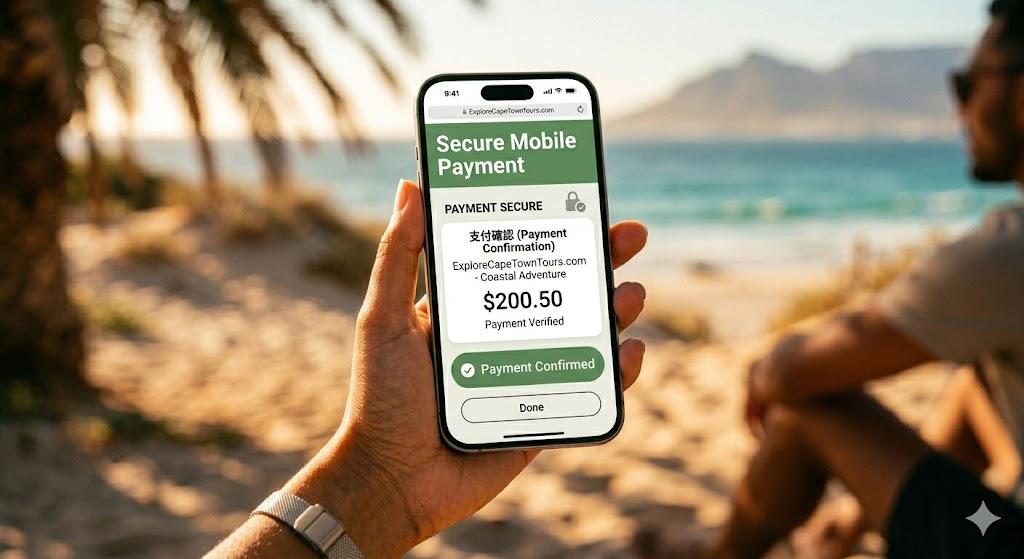
The moment a traveler is about to enter their credit card number is the moment of highest anxiety. They're giving money to a tour company they've never visited, often in a foreign country.
Trust signals that belong next to the payment button:
A TripAdvisor or Google review rating badge showing your aggregate score. Security badges (SSL certificate indicator, payment processor logos like Stripe or PayPal). A cancellation policy summary, "Free cancellation up to 24 hours before" reduces risk perception significantly. A small selection of 2-3 recent review quotes. For more on leveraging reviews as social proof, see our article on tour reviews and social proof.
What doesn't work: Generic "100% satisfaction guaranteed" badges without substance, or stock photos of happy tourists. Travelers want verifiable proof from real review platforms.
Fix 6: Implement a Clear Progress Indicator
Travelers who don't know how many steps remain in the checkout process are more likely to abandon. If they're on step 2 and don't know whether there are 3 steps or 8 steps, uncertainty creates friction.
The fix: Use a simple progress bar or step indicator showing "Step 1 of 3: Select Date → Step 2 of 3: Guest Details → Step 3 of 3: Payment." This sets clear expectations and reduces the perceived effort required to complete the booking.
Keep the total number of steps to 3 or fewer. Any checkout process with more than 4 steps has significantly higher abandonment rates.
Fix 7: Add Urgency Without Being Manipulative
Genuine scarcity and urgency cues encourage faster booking decisions. Fake urgency ("Only 2 spots left!" when you actually have 20) damages trust and can trigger negative reviews.
Legitimate urgency cues for tour operators:
Real-time availability showing actual remaining spots: "4 spots remaining for March 22", but only if those numbers are accurate and pulled from your booking system.
Seasonal messaging: "Peak season dates filling fast: book now to secure your preferred date" during genuinely busy periods.
A gentle checkout timer: "Your selected date is held for 15 minutes" prevents overbooking while encouraging completion. Rezdy and FareHarbor both support booking hold timers.
Weather or condition-based messaging: "Whale watching season runs through April, best visibility conditions in March" adds urgency tied to real conditions.
How to Measure the Impact
Before making changes, establish your baseline checkout completion rate. Most booking systems show this in their analytics: the number of completed bookings divided by the number of checkout initiations. Not sure where your biggest leaks are? Run your site through the free conversion audit tool for a prioritized list of checkout fixes specific to your pages.
Average tour operator checkout completion rates by platform: Rezdy (35-45%), FareHarbor (30-40%), Bokun (30-40%), custom builds (varies widely from 20-50%). For comparison, see our review of the best booking systems for tour operators.
After implementing these fixes, track the same metric weekly. Most operators see a 15-30% improvement in checkout completion within the first month, which translates directly to additional bookings from the same traffic volume. Roll out the fixes one at a time as controlled experiments, the A/B test idea generator will give you a prioritized backlog of checkout tests to run.
A 20% improvement in checkout completion for an operator getting 200 checkout initiations per month means 40 additional completed bookings per month at zero additional marketing cost. These bookings are also yours to keep, unlike bookings through OTAs, where you share margins. For more on reducing OTA dependency, read our guide on reducing OTA commissions for tour operators.
If you'd like these fixes implemented and A/B tested for you, our booking optimization service is built specifically around recovering abandoned checkouts.