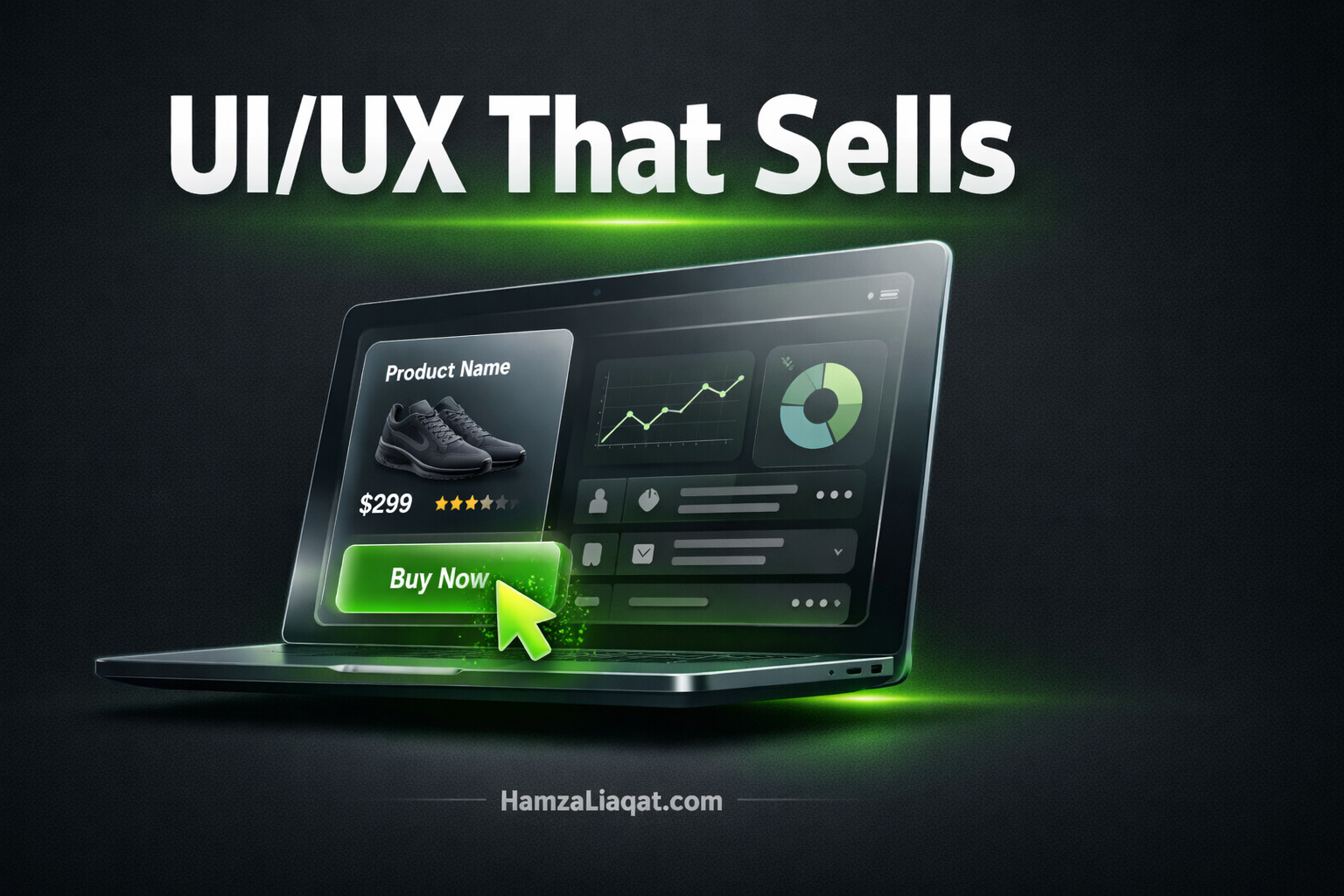
Why Your Code Doesn't Matter If the UX is Bad
As a Production Architect, I've learned that your Build Engine is only as powerful as the user experience it delivers. You can have the most elegant, bug-free code in the world, but if your user experience is a nightmare, what you've built is just an expensive failure.
At Aryzetech, our Build Engine is designed around a fundamental truth: production velocity means nothing if users abandon your product. The hard truth is that 68% of users will abandon an app due to poor UX, not bugs [1]. This isn't about making things look pretty; it's about engineering a production system where design and development work together to create products that users actually want to use.
The $300,000 Code That Nobody Used
I once worked with a fintech startup that had spent over $300,000 building a revolutionary new platform. The backend was a masterpiece of engineering, a truly perfect piece of code. But when they launched, their adoption rate was a dismal 12%. Why? Because users couldn't figure out how to perform the most basic tasks. The interface was a maze of confusing icons and hidden menus.
They brought us in to see if we could salvage the project. We didn't touch a single line of their backend code. Instead, we spent two weeks completely redesigning the user experience. We talked to their users, we built clickable prototypes, and we tested them until we had a design that was intuitive and easy to navigate. When they launched the new design, their adoption rate jumped to 73%. That's the power of good UX. It's not just a nice-to-have; it's a critical component of any successful product. In fact, Forrester Research found that companies that invest in UX see a return of $100 for every $1 spent [2].
The Three UX Sins That Kill Products
Over the years, I've seen a few common UX mistakes that are guaranteed to kill a product. I call them the three UX sins:
- Cognitive Overload: This is when you bombard your users with too many options and too much information all at once. It's like walking into a cockpit and being expected to fly a plane with no training. A good interface should be simple and focused, guiding the user through the task at hand.
- Hidden Navigation: If your users can't find what they're looking for, they're going to give up and go somewhere else. Your navigation should be clear, consistent, and intuitive. Don't make your users hunt for the features they need.
- Inconsistent Patterns: This is when every screen in your app feels like a completely different application. Users crave consistency. It builds trust and makes your product feel more professional and polished. Every button, every menu, every icon should be part of a cohesive design system.
Dark Mode Isn't Just an Aesthetic Choice
I'm always surprised by how many designers still treat dark mode as an afterthought. The reality is that 82% of users now prefer dark mode for extended use. It's not just a trend; it's a fundamental shift in user behavior. And the benefits go far beyond just aesthetics.
Dark mode can reduce eye strain by up to 60% in low-light conditions, and for devices with OLED screens, it can lead to battery savings of 30-40%. At Aryzetech, we design for both light and dark modes from day one. It's not about choosing one over the other; it's about giving your users the choice and ensuring that your brand looks great in any context.
The Aryzetech UX Process
So how do we avoid these common pitfalls? We follow a rigorous, user-centered design process that's been refined over dozens of projects:
- User Research: We never design a single screen without first talking to at least 20-30 of your actual users. We need to understand their pain points, their goals, and their current workflows.
- Wireframe Testing: We build clickable prototypes that allow us to test our design concepts with real users before we write a single line of code. This allows us to identify and fix any usability issues early on, when they're still cheap and easy to fix.
- Iterative Design: We typically go through 3-5 rounds of feedback and iteration before we even think about starting development. This ensures that the final design is not just beautiful, but also highly effective.
- Post-Launch Optimization: Our work doesn't stop at launch. We use tools like heatmaps and session recordings to identify any points of friction in the user experience and continuously optimize the design based on real-world data.
Is Your Build System Prioritizing Code Over Users?
Great architecture means nothing if users can't navigate your product. If you're seeing high bounce rates, low engagement, or poor adoption, it's a sign that your Build Engine is optimized for developers, not users.
Before you invest in more features, you need a clear blueprint of your user experience. Our proprietary Execution System Map (ESM) is designed to diagnose UX bottlenecks in your Build Engine and identify where users are getting stuck.
→ Get Your Custom Execution System Map Here
Mobile-First Is Dead. Context-First Is the Future.
The old mantra of "mobile-first" is starting to feel a bit dated. In today's world, users are constantly switching between devices—21 times per hour on average. They might start a task on their phone while they're on the go, continue it on their laptop when they get to the office, and finish it on their tablet in the evening. That's why we believe in a "context-first" approach to design.
It's not about designing for a specific screen size; it's about designing for the user's context. What are they trying to accomplish right now? What information do they need? How can we make it as easy as possible for them to take the next step? We use techniques like progressive disclosure to show users only what they need, when they need it. This creates a more focused, less overwhelming experience that works seamlessly across all of their devices.
Measuring UX Success (Beyond "It Looks Good")
How do you know if your UX is successful? It's not just about whether it "looks good." At Aryzetech, we measure the success of our designs with cold, hard data. We look at metrics like:
- Task completion rate: Are users able to successfully complete the core tasks in your app?
- Time to complete core actions: How long does it take them to accomplish their goals?
- Error rate and recovery time: How often are they making mistakes, and how easy is it for them to recover?
- Net Promoter Score (NPS): Would they recommend your product to a friend or colleague?
These are the metrics that truly matter. They tell you whether your design is actually working for your users, and they provide a clear roadmap for future improvements.
Is Your Build Engine Stalling?
Your product's success depends on the quality and velocity of your development system. If you're struggling with poor user adoption, high churn, or negative feedback about usability, it's a sign of a system-level problem. It's time to upgrade your engine.
Ready to build a product that users love with the speed and precision of our Build Engine?
→ Activate Your Build Engine with Aryzetech
References
[1] Google UX Research, 2025. "The Impact of User Experience on App Adoption." [2] Forrester Research. "The Economic Impact Of Investing In UX Design."